 GoFrog
Split groups
Half want the ridge, half want the lake. Split up and still know who is where.
Split the crew into groups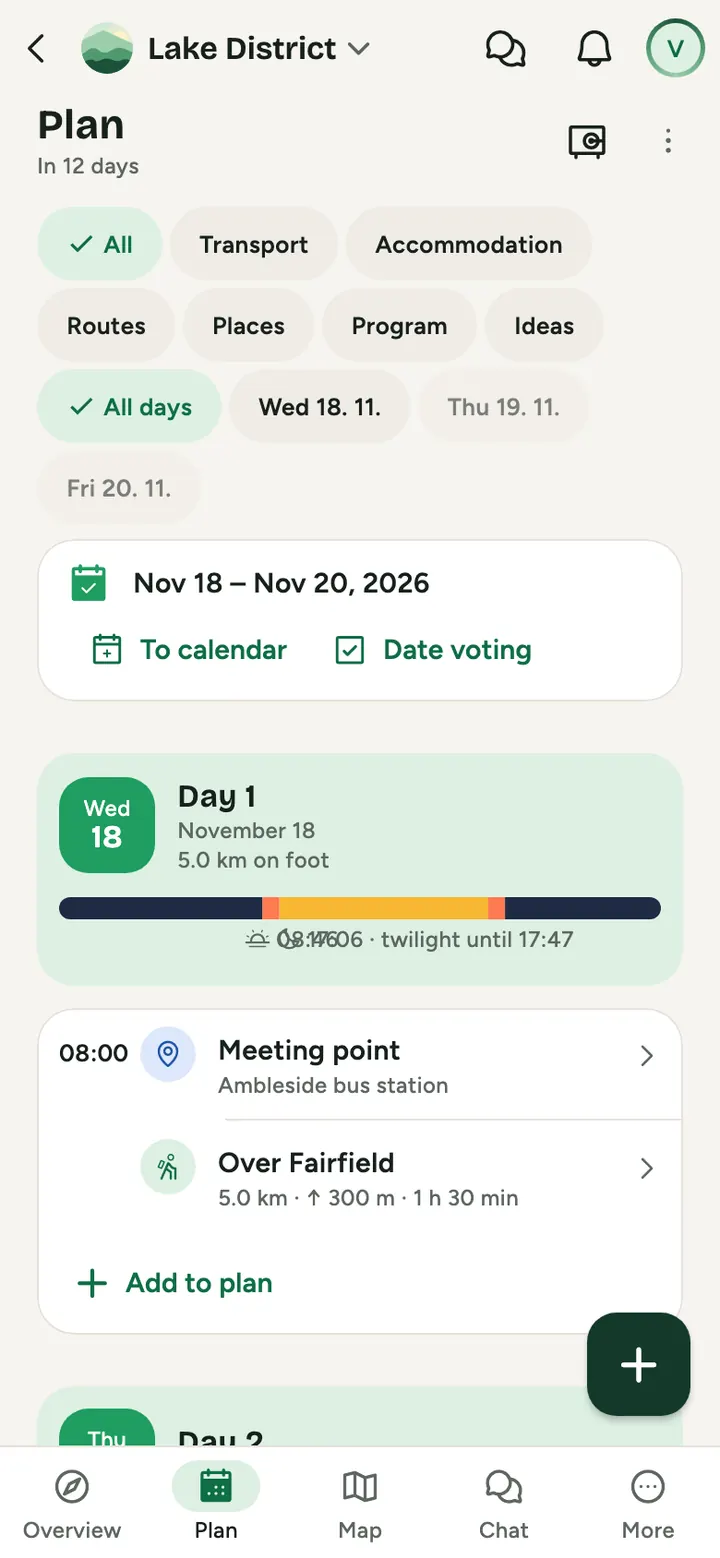
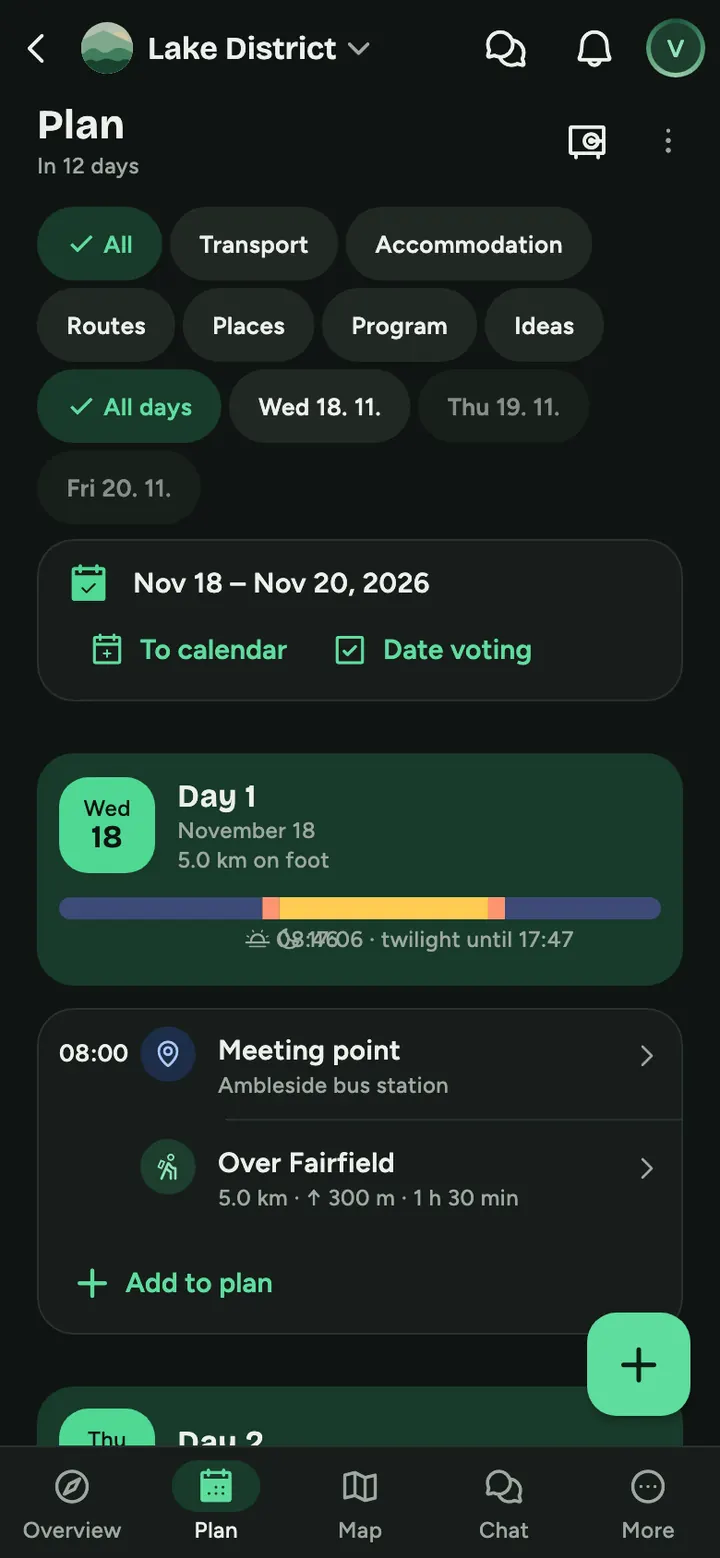
How to do it
Split up
In the Plan tap Split up on a day. Create a group or options and everyone taps I am going here.
Each group its own way
Its own chat, expenses and shared gear. Plan changes only reach its members.
Meet up again
The Today card shows who goes where and the next shared point. Anyone can tap I will come with you.
Together and apart
Plan by group
Switch between Everyone, Mine and shared, or one group, and the map follows.
An idea as the task of the day
A group can take an idea as its task for the day, and places and routes can belong to a group.
A chat just for the group
Open it from the Plan or the Discussion; it is in Messages too.
Gear
A shared item in Gear can belong to a group.
And on top of that
- Every group has its own colour on the map
- An expense For our group in one tap
- A Just for us group, for a surprise for example
Common questions
Can the others see what a group plans?
Usually yes, so you know about each other. A Just for us group is only visible to its members, not even the organiser sees it.
How are group expenses split?
For our group picks its members. With Only for those sharing the others do not see it, but it stays in the settlement.
Can I join another group?
Yes, tap I am going here on another group or I will come with you in the Today card.
Try it at your next get-together
Create a plan and send the link to anyone you like. It takes a minute.
Split the crew into groups