 GoFrog
The app
GoFrog runs in the browser, there's nothing to download. Add it to your home screen and it opens like an app and works without signal.
Open GoFrog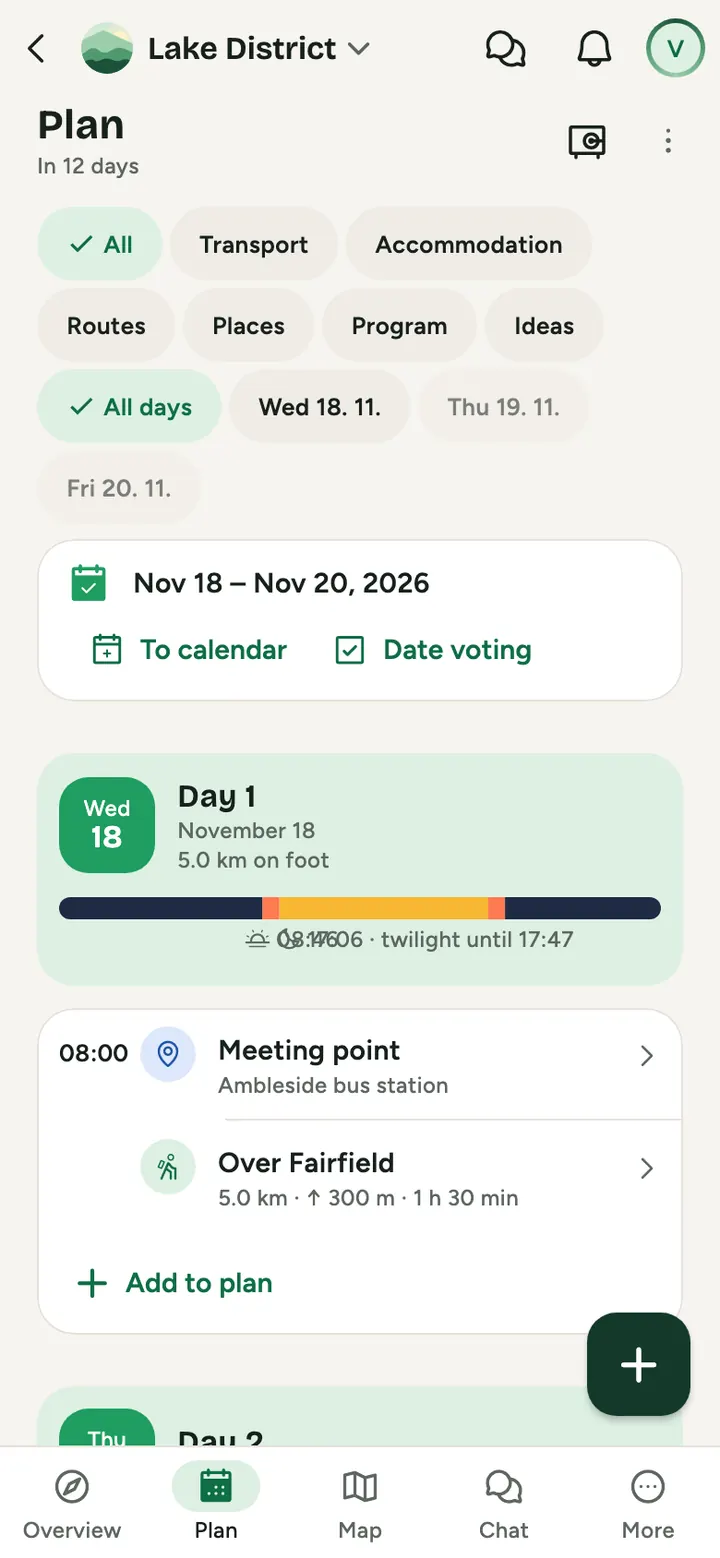
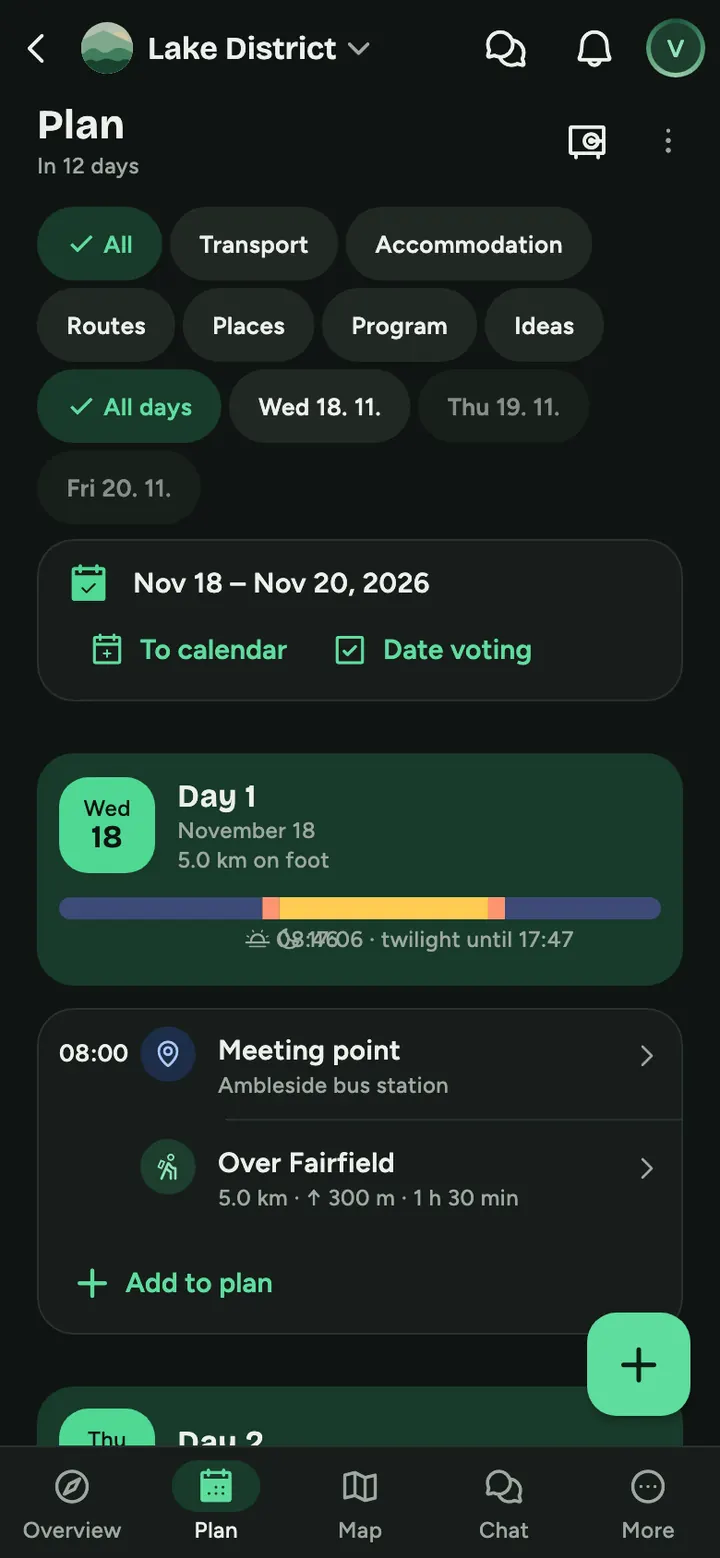
iPhone and iPad
- Open GoFrog in Safari
- Tap Share at the bottom
- Choose Add to Home Screen and confirm
Android phone
- Open GoFrog in Chrome
- Tap Install when the app offers it
- The icon appears on your home screen
Computer
- Open GoFrog in Chrome or Edge
- Click the install icon in the address bar
- GoFrog opens in its own window
Common questions
Is GoFrog in the App Store and on Google Play?
Yes, for iPhone and Android. If you'd rather not install anything, open GoFrog in the browser. Your account is the same everywhere.
Do I need to update?
No. The new version loads by itself the next time you open it.
Does it cost anything?
Not for people and groups.
Try it at your next get-together
Create a plan and send the link to anyone you like. It takes a minute.
Plan something for free