 GoFrog
Journal
Your whole crew’s photos and notes in one place, day by day, the way the trip went.
Start a trip journal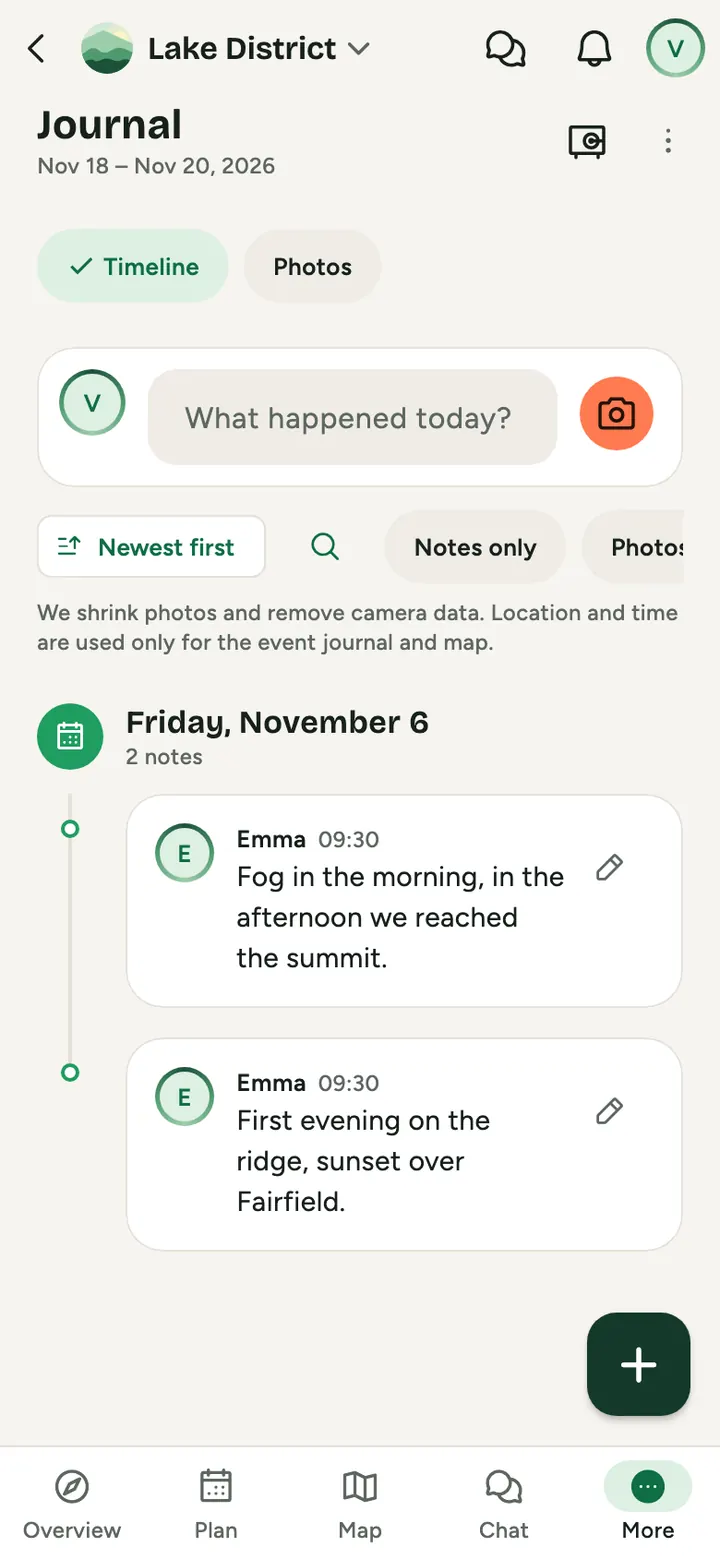
How to do it
Write along the way
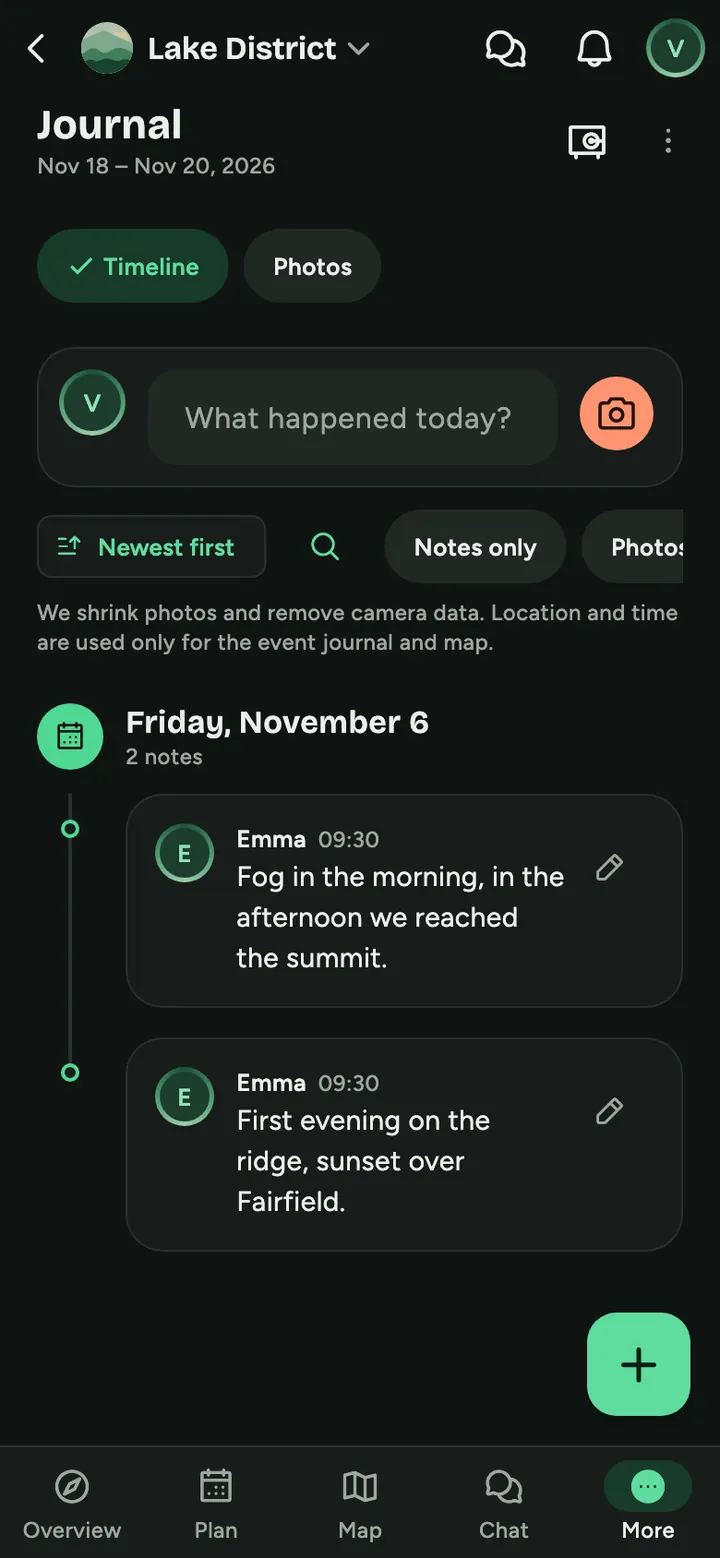
What happened today? A short sentence or a photo from anyone in the crew is enough.
Browse by day
A timeline holds the trip together, and photos also have their own grid.
Come back to it
Countries from your trips are offered for My world map, with where you have been and where you want to go.
What the Journal can do
Photos
With a caption, a heart and as the trip cover. Up to 200 photos per person and event, resized and without camera data.
Notes
A short entry, with the location where it was written if you like.
Timeline
Everything by day, with search and filters, plus a gallery.
Photos on the map
Walk through the trip by place. Save or send the trip summary as an image.
People in photos
Tag someone by tapping the photo or from a list. Only by hand and only people from the event, GoFrog does not recognise faces.
My photos
Photos of you from every event are in Settings and download as a ZIP. The Journal has a With me gallery and each member has Photos with them.
And on top of that
- Photos are resized and camera data removed
- The journal is only for your crew
- Export all your data any time
Common questions
Who sees the journal?
Only people on the trip. Location and time from photos are used only for the journal and trip map.
Can I download my data?
Yes, you can download all your data in Settings.
Can anyone outside the trip see it?
Trip members see the Journal. Only the Greeting from the table is public, and only if you create it, for 24 hours.
Can I download the Journal?
Download the photos with you as a ZIP in My photos, and all your data with Download my data. From the event photos, routes and notes you can also put together a Photobook as a PDF.
Can someone tag me without asking?
In Settings choose Approve first or Do not tag me. You can remove a tag any time with one tap.
Try it at your next get-together
Create a plan and send the link to anyone you like. It takes a minute.
Start a trip journal